Microsoft Service Agent: The End of Tab-Switching Hell
Microsoft's Service Agent in 365 Copilot promises to end the fragmented customer service experience. Here's what it means for your team.
The Problem Nobody Talks About Enough
Picture a customer service rep on a tough Monday morning. They've got 30 open cases. Each one requires jumping between a CRM, an email thread, a SharePoint doc, and maybe a Teams message. By the time they find the right context, the customer's already frustrated.
This is the daily reality for millions of service workers. And it's not a skills problem — it's a tools problem. Microsoft's newly released Service Agent in 365 Copilot is a direct shot at fixing it.
What Actually Launched — And Why It Matters
On June 30, Microsoft moved Service Agent from preview to general availability. That's a big deal. Preview tools are for testing. GA means it's production-ready and supported.
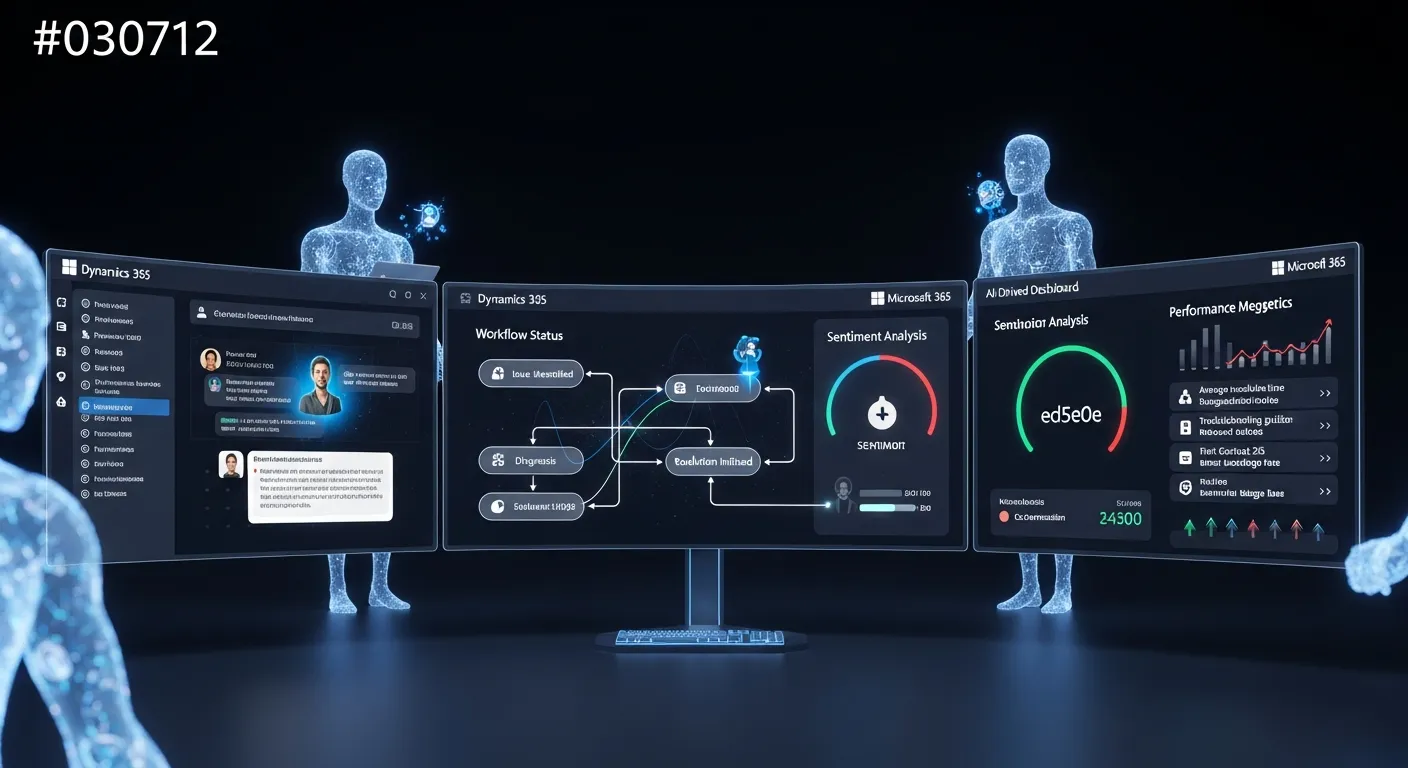
The core idea is straightforward. Service Agent brings Dynamics 365 and Microsoft 365 into a single conversation interface. A rep doesn't have to leave Copilot to look up a case, draft a follow-up email, or check a customer's order history. It all lives in one place.
The GA release ships with over 70 new Model Context Protocol (MCP) tools and more than 20 product improvements. MCP is the technical backbone here — it's what lets Copilot talk to different systems and take real actions, not just summarize text.
That last part is worth emphasizing. Earlier versions of AI assistants were mostly read-only. They could tell you what was in a document. Service Agent can do things — update a case, recommend a next step, draft a reply. That's a meaningful shift.
From Reactive to Proactive: What That Actually Looks Like
DP Indetkar of Northern Trust put it well: "What excites us about Service Agent is the move from reactive search to proactive intelligence. When teams can begin the day with the right context, dependencies and handoffs already surfaced, and act on that trusted context from one place, it changes how service work gets done."
Think about what "reactive search" means in practice. A rep gets a call. They search for the account. They search for recent cases. They search for the relevant policy doc. Every search is a small tax on their time and attention.
Proactive intelligence flips this. The agent surfaces what's relevant before the rep has to ask. Dependencies and handoffs are already visible. The rep starts their day knowing what needs attention — not discovering it mid-conversation with an impatient customer.
Mala Anand, Microsoft's corporate vice president of customer service, framed the business goal clearly: the aim is to "resolve each customer case faster, automate routine support interactions, and, most importantly, improve the customer experience."
Faster resolution and better customer experience aren't just nice-to-haves. They directly affect retention and cost-per-contact — two metrics every service leader watches closely.
The Capability Breakdown: What's Actually Inside
Service Agent covers the full service lifecycle, not just one slice of it. Here's how the key capability areas break down:
Case and customer context — Copilot summarizes accounts, timelines, and related service activity. A rep gets the full picture without digging through multiple records.
Knowledge and answer discovery — The tool searches across Dataverse, SharePoint, and Microsoft 365. It synthesizes answers from multiple sources rather than returning a list of links.
Service actions and follow-through — This is where Service Agent earns its name. It can update cases, draft communications, and recommend next actions. It's not just a search tool.
In-chat experiences — Microsoft added interactive widgets, file upload, charts, and embedded apps that update automatically. Reps can complete tasks without leaving the Copilot conversation.
Extensibility and admin control — Admins can build custom MCP tools, set role-based controls, and configure environments. This matters for enterprises with specific compliance or workflow requirements.
That last point deserves more attention than it usually gets. Enterprise AI tools live or die on governance. If admins can't control who sees what or which actions are permitted, adoption stalls. Microsoft's inclusion of role-based controls and custom MCP support signals they understand this.
Licensing: What You Actually Need
Here's where things get practical. Service Agent isn't a standalone product — it requires two licenses working together.
You need a Dynamics 365 Customer Service license at the Enterprise or Premium tier to access case data. Then you need a Microsoft 365 Copilot license to get the fully integrated experience. Admins set everything up through the Microsoft 365 admin center.
This two-license model reflects how Microsoft has structured its AI portfolio. Dynamics 365 owns the CRM and service data layer. Microsoft 365 Copilot owns the AI interaction layer. Service Agent is the bridge between them.
For organizations already running both platforms, the incremental cost is mainly the Copilot license. For organizations on only one platform, there's a bigger decision to make about expanding the stack.
The Bigger Picture: Microsoft's Agentic AI Push
Service Agent doesn't exist in isolation. It's one piece of a much larger bet Microsoft is making on what it calls "agentic AI" — systems that don't just assist humans but take autonomous action on their behalf.
At Ignite 2025, Microsoft previewed autonomous agents that can run multi-step workflows across sales, service, and internal operations. It also introduced Agent 365, a governance control plane designed to manage these agents at scale. Real-time voice agents across the Dynamics 365 portfolio launched in April 2026.
Microsoft's Q3 FY2026 numbers tell the financial story. Revenue hit $82.9 billion. The AI business crossed a $37 billion annual run rate — up 123% year-over-year. Azure grew 40%. These aren't small numbers. They reflect genuine enterprise adoption, not just hype.
The company also acquired Osmos, an agentic data-engineering platform, to bring autonomous data preparation into Microsoft Fabric. This matters for service teams because clean, well-structured data is what makes AI tools actually useful. An AI that pulls from messy data gives messy answers.
What Service Leaders Should Watch For
There are a few things worth keeping in mind before rolling this out broadly.
First, the most ambitious agentic features are still in preview. Microsoft has been transparent that some capabilities need additional governance guardrails before they're ready for enterprise-wide deployment. Don't plan your roadmap around preview features without a contingency.
Second, newer agents benefit the most from AI-driven "next best action" guidance. When a rep is still learning your product and processes, having the system narrow down decision options is genuinely valuable. For experienced reps, the bigger win is time savings on routine tasks — drafting emails, updating records, pulling summaries.
Third, MCP extensibility is a long-term play. Out of the box, Service Agent connects to the Microsoft ecosystem. But the ability to build custom MCP tools means you can eventually connect it to other systems your team relies on. That's not a day-one benefit, but it's worth factoring into your architecture decisions now.
Finally, think about change management before you think about technology. The best AI tool fails if reps don't trust it or don't know how to use it effectively. Building confidence in AI-generated summaries and recommendations takes time and clear communication about how the system works.
The Shift Worth Paying Attention To
Customer service has always been about managing information under pressure. The rep who can find the right answer fastest — and communicate it clearly — wins. AI tools like Service Agent don't change that goal. They change how achievable it is.
Moving from a world where reps hunt for context to one where context is already surfaced isn't a minor efficiency gain. It changes the nature of the job. Reps spend less time searching and more time actually helping customers. That's better for customers, better for reps, and better for the business metrics that matter to leadership.
Microsoft's move to general availability signals that this shift is no longer theoretical. The question for service leaders now isn't whether AI will change how their teams work. It's whether they're ready to shape how that change happens — or just react to it when it does.
Share this article
Join the newsletter
Get the latest insights delivered to your inbox.